
JOB #1042Approved
 4
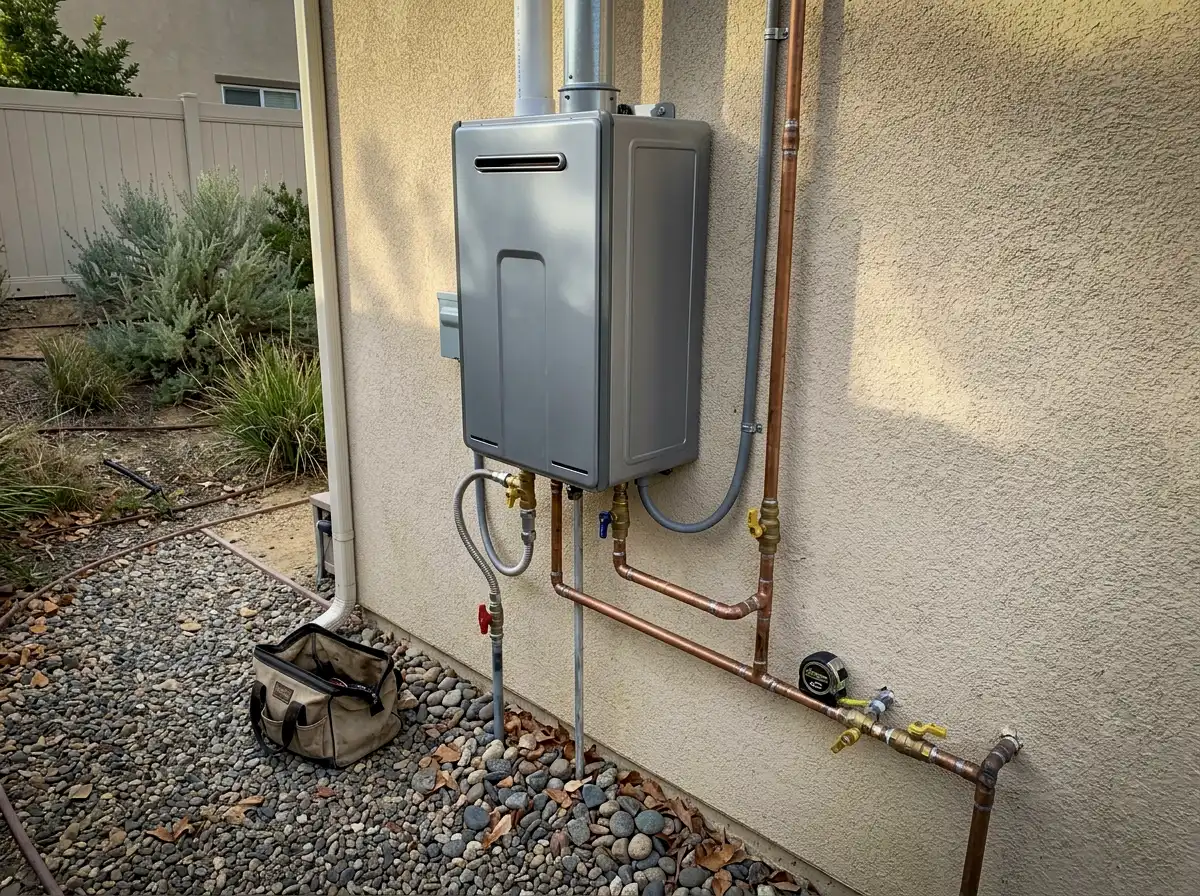
4Tankless Water Heater Install
Your Service AreaThis week
The workflow
FieldPins gives your team a repeatable system for capturing job proof in the field, reviewing it in the office, and publishing it everywhere it matters for local SEO and trust.
Watch
Watch the full workflow — from field upload to published proof — in under 3 minutes.
No fluff. Just a real job, submitted and published in minutes.
Where it starts
Before a single job becomes a marketing asset, a technician has to capture it. FieldPins makes that part effortless.
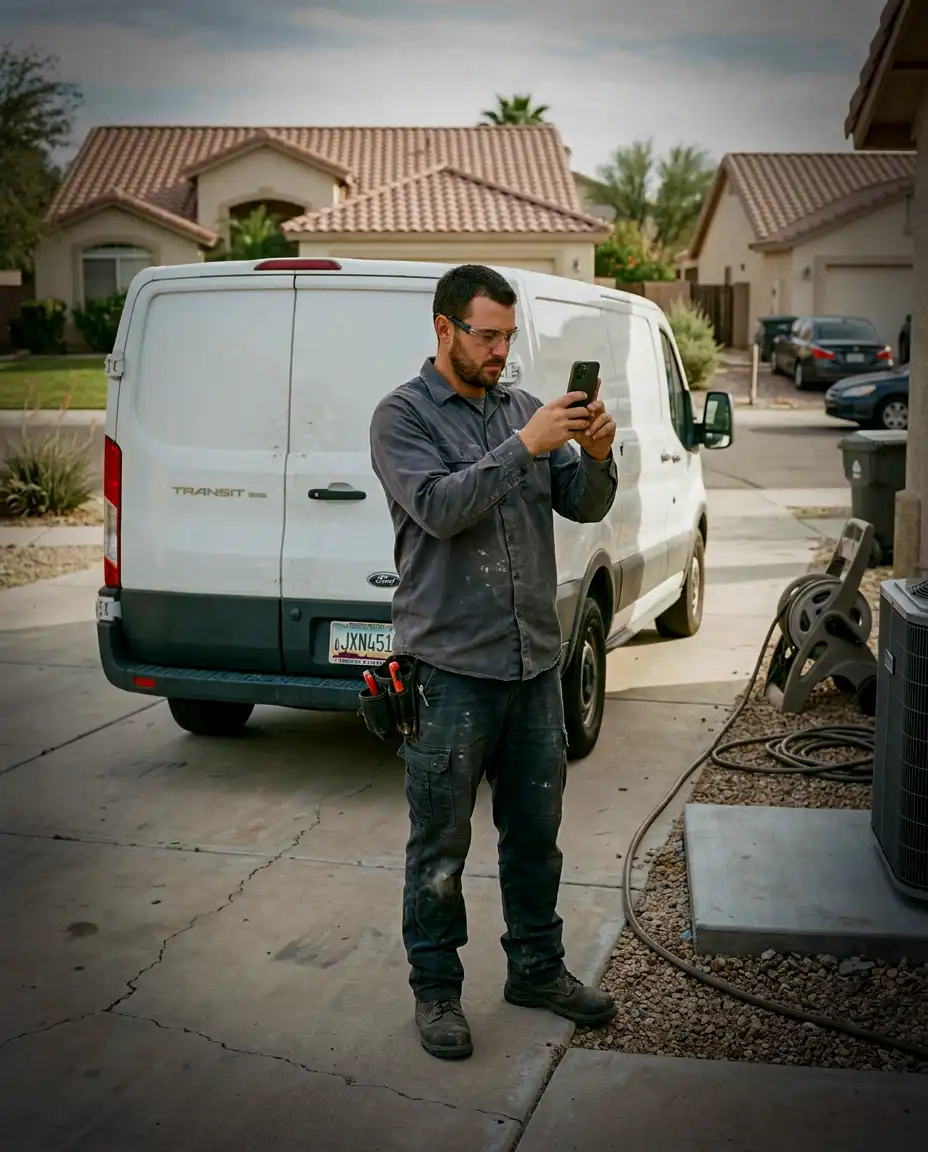
Every FieldPin starts with the technician in the field. After completing a job, they open the app, capture photos, select the service type and city, add a quick note, and submit. The entire process is designed to take about a minute, with no complicated steps or extra back-and-forth with the office.
AI-Powered Job Descriptions
Quick notes, photos, service type, and city become a customer-safe, SEO-ready project draft for office review.
Verified Job Proof
Every approved FieldPin captures real photos, service details, city-level context, and a clear approval record.
Local Job Mapping
FieldPins uses private jobsite location data to organize completed work by city and service area without exposing customer details.
Job Submitted
Temecula, CA · Just now
How it works
From the truck to your website, every job follows the same simple path — and your team only touches it once.
Your technician snaps photos and taps submit from the truck. Thirty seconds, no app training.
The office approves the job in one tap — or holds it. Nothing goes public without a yes.
FieldPins files each job by service and city, building the location proof search engines look for.
Approved jobs publish to your website, city pages, and Google Business Profile — automatically.
The Payoff
4Under 2 min
for technicians to submit
1 click
to approve and publish
7 assets
from one completed job
Zero
manual content creation
Book a 15-minute demo and watch one real job from your business become published proof.
Book a Demo